Solve a LoRA from a few prompts
Write a style and a few subject lines. KiLoRA Solve LoRA From Prompts writes a plain LoRA file in about three minutes on a 16 GB GPU. No training images.
 KiLoRA
ComfyUI node pack · v0.0.10 · free and open source
Stack seven LoRAs and the picture turns to mud. KiLoRA routes them, so each one leads where it is strong.
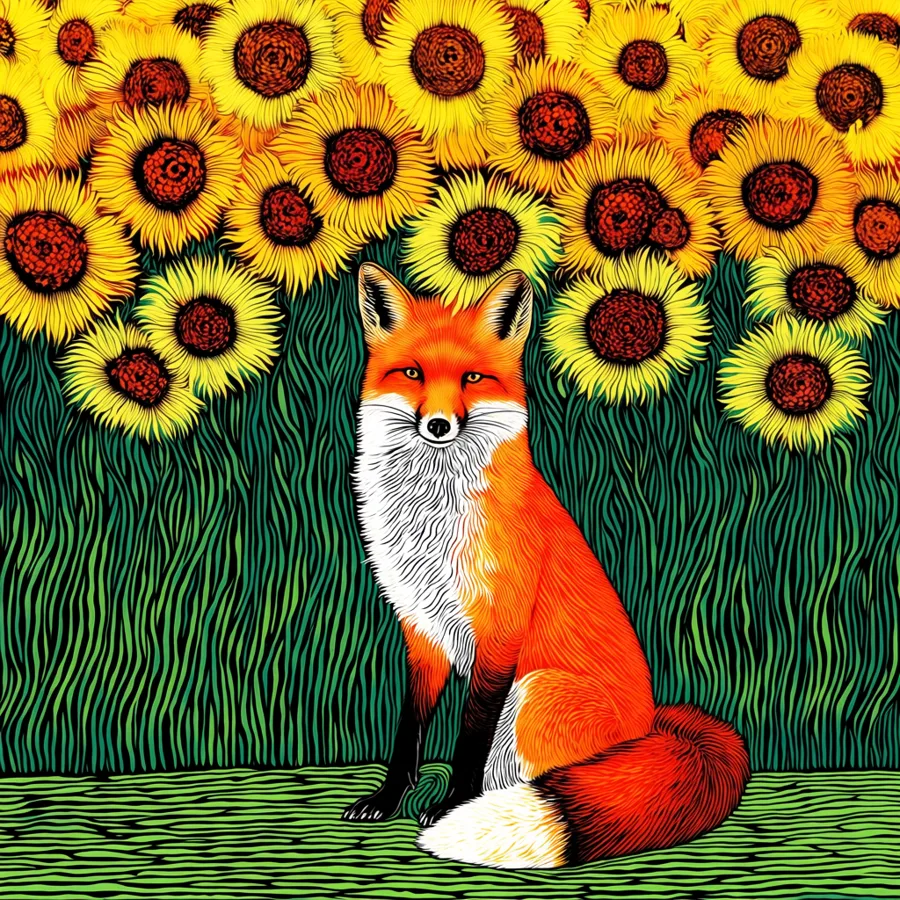
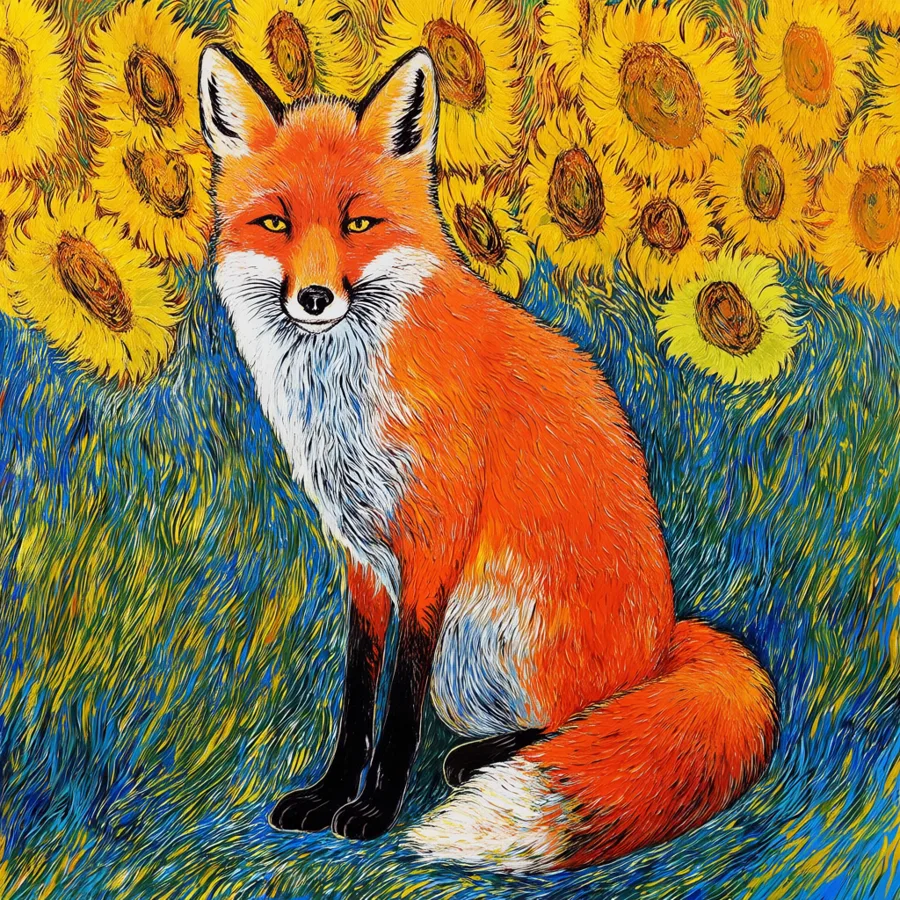
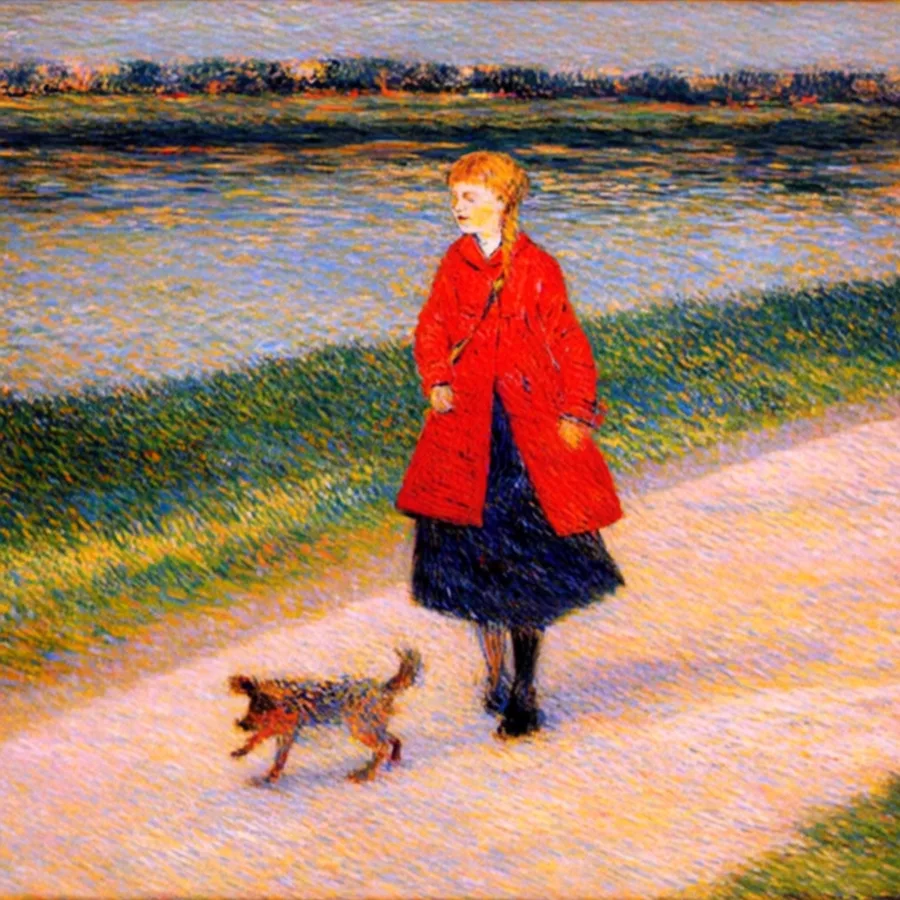
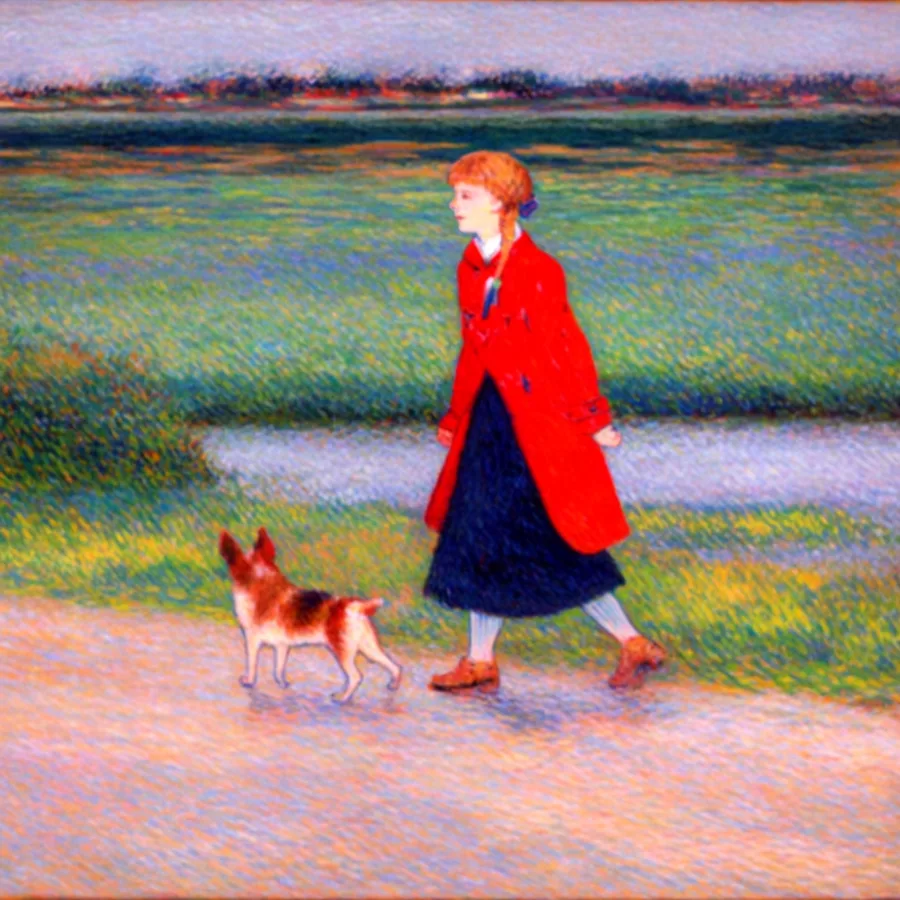
Each LoRA at 0.7. On the left, the stock LoRA loader. On the right, KiLoRA.
 Overcooked!

Monet + Van Gogh, 0.7 each. The stack gets muddy; KiLoRA keeps both.
LoRA filemonet.safetensors
strength0.70
LoRA filevan-gogh.safetensors
strength0.70
depth3
routingtoken · sparsemax
seed811
steps30
One node chain. Put it where your LoRA loader was.
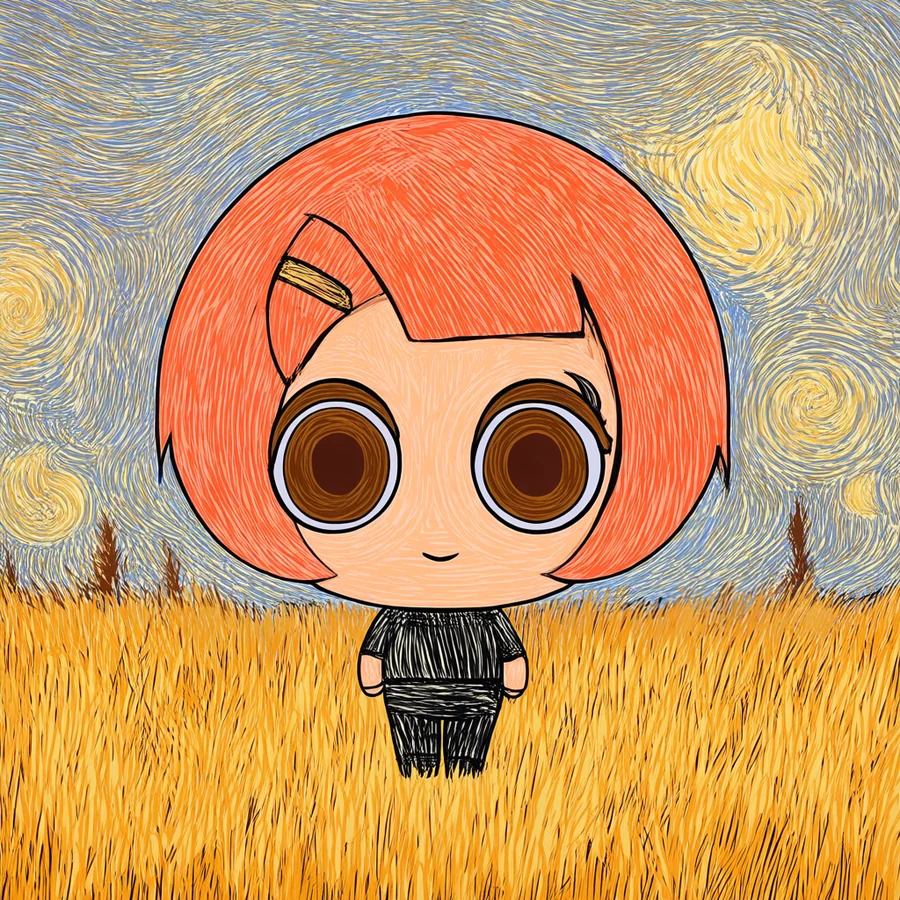
Same seed, same two LoRAs at 0.7: our mascot and a Van Gogh style. Left: a plain LoRA stack with one prompt, no KiLoRA. Right: KiLoRA with a SAM2 mask from a first render. The mascot LoRA and its prompt act inside the mask, the Van Gogh LoRA and its prompt on the background, in one model call.
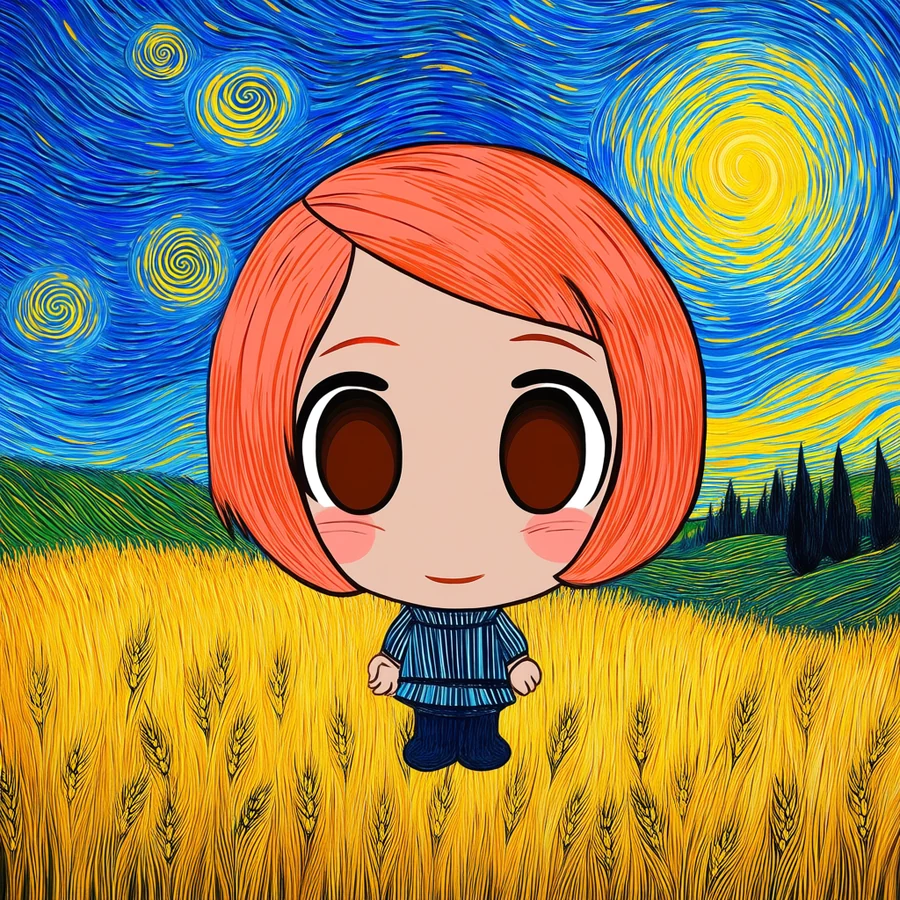
fromfirst render
layerip · mascot
maskSAM2
layercreative · Van Gogh
composesingle
Any segmenter works: connect its MASK to KiLoRA Layer.
Write a style and a few subject lines. KiLoRA Solve LoRA From Prompts writes a plain LoRA file in about three minutes on a 16 GB GPU. No training images.
KiLoRA Solve LoRA From Images learns what images share. Here: four public-domain Monet paintings, then a new subject.
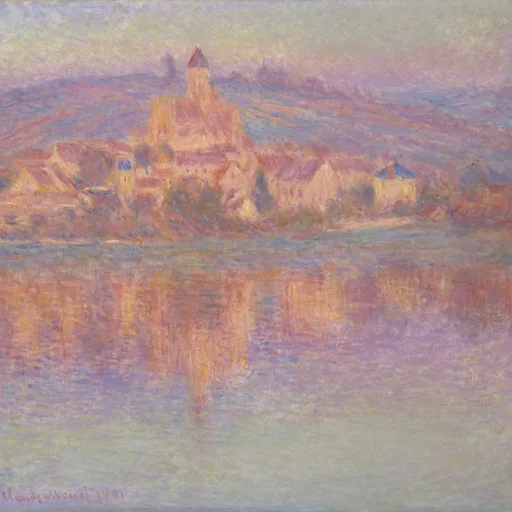
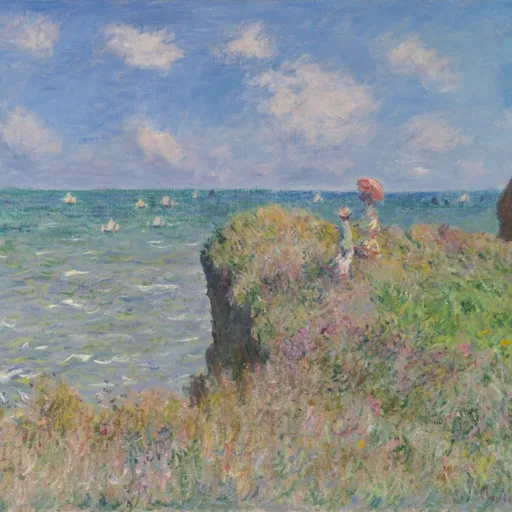
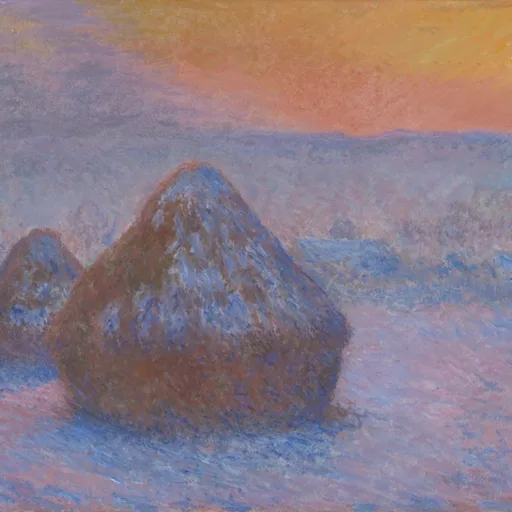
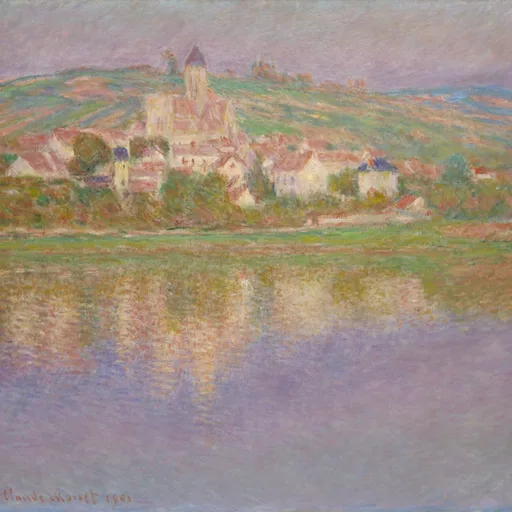
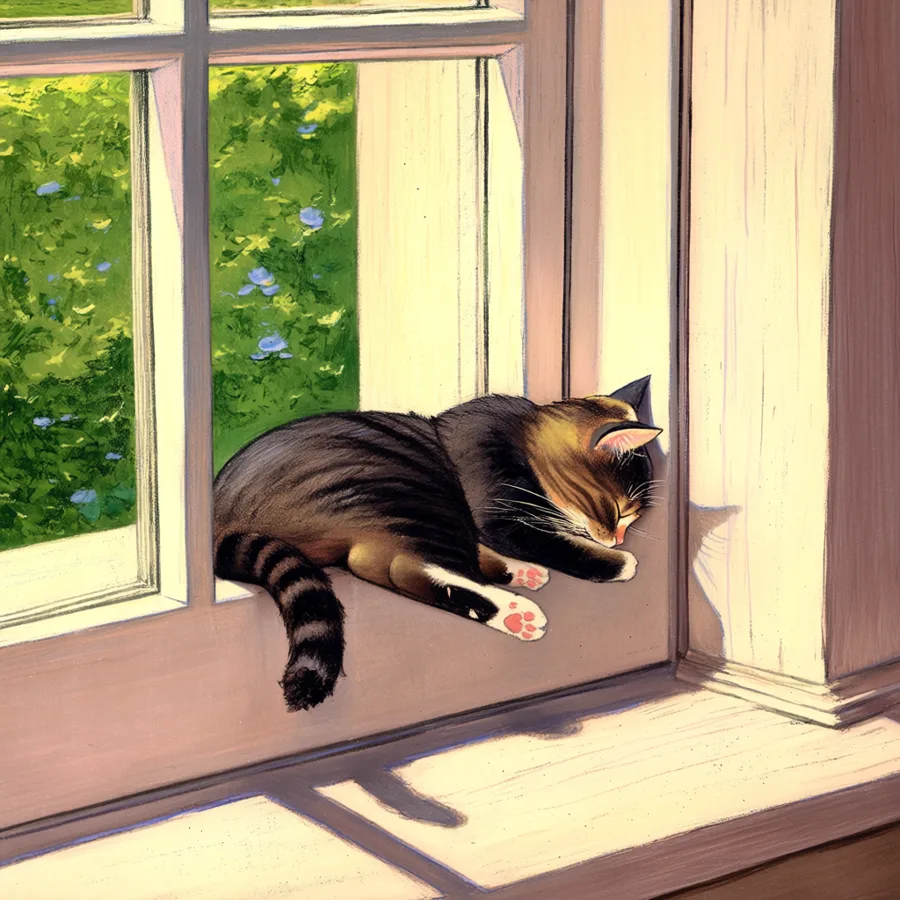
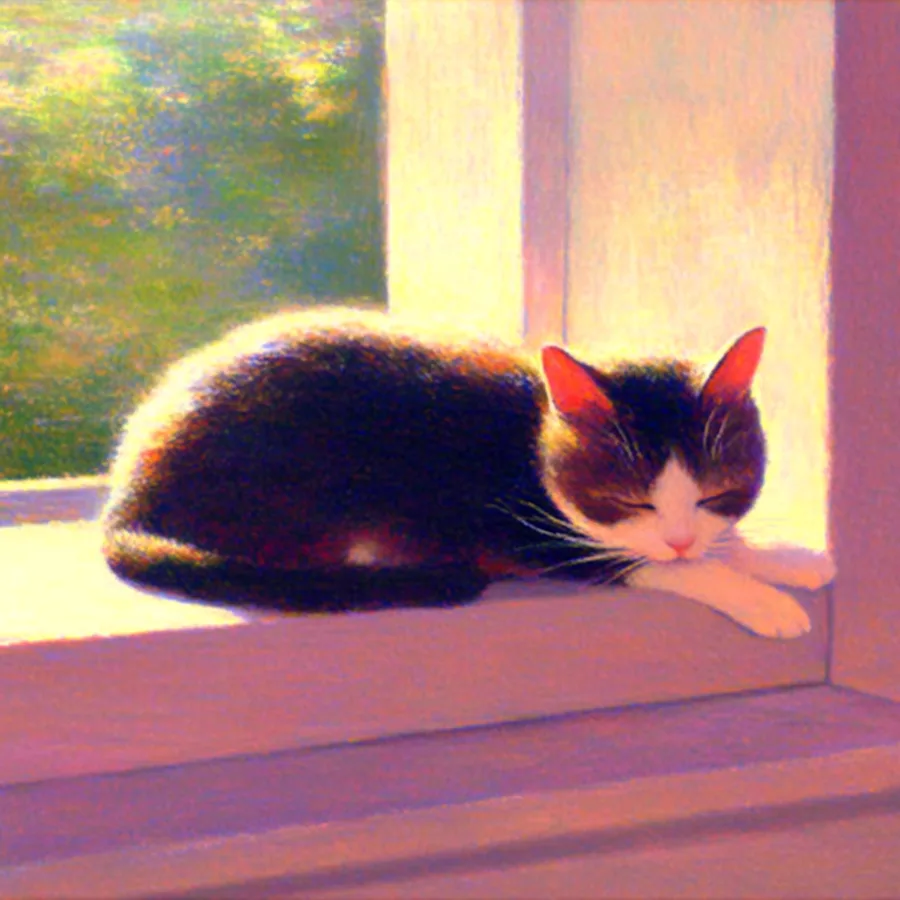
Put KiLoRA Live: 1. Record before the sampler and 2. Write after it. Each image you keep nudges the mix. Undo any write.
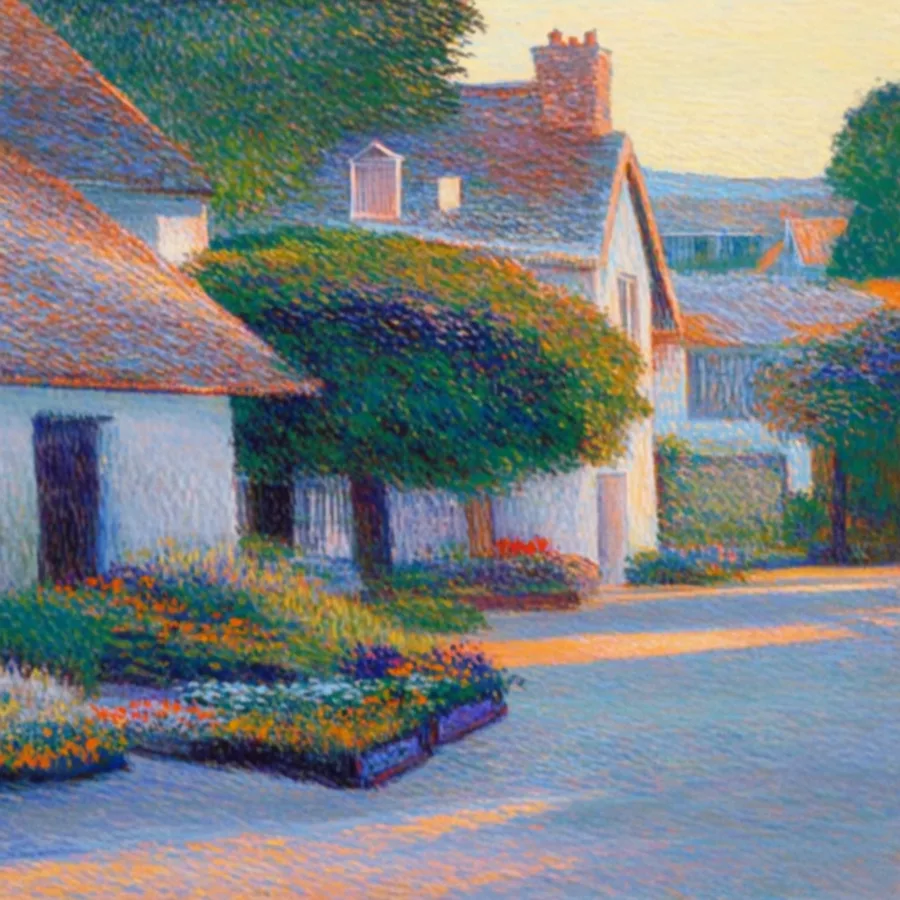
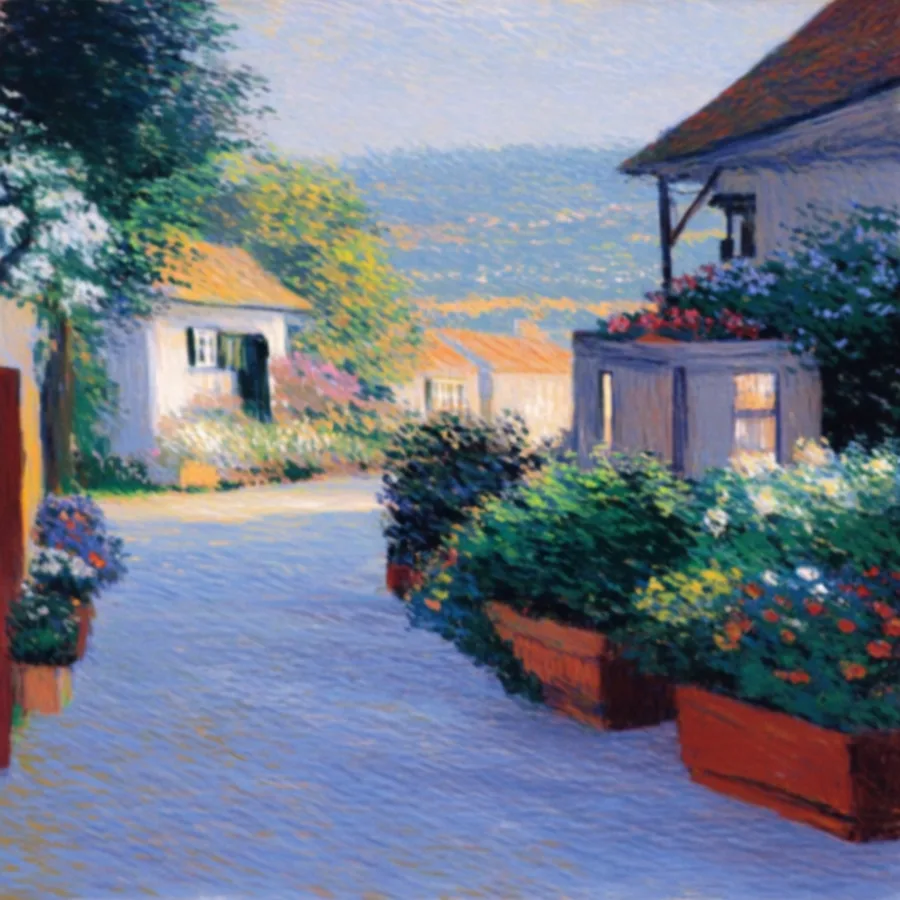 Write ✓
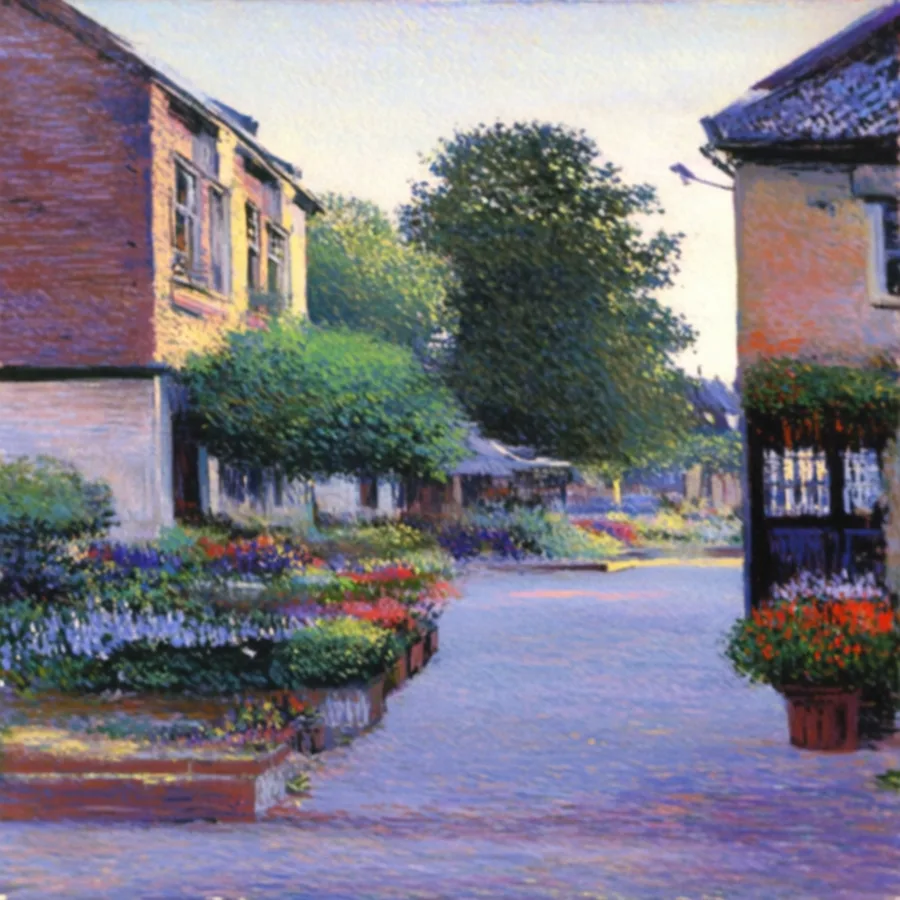 Write ✓
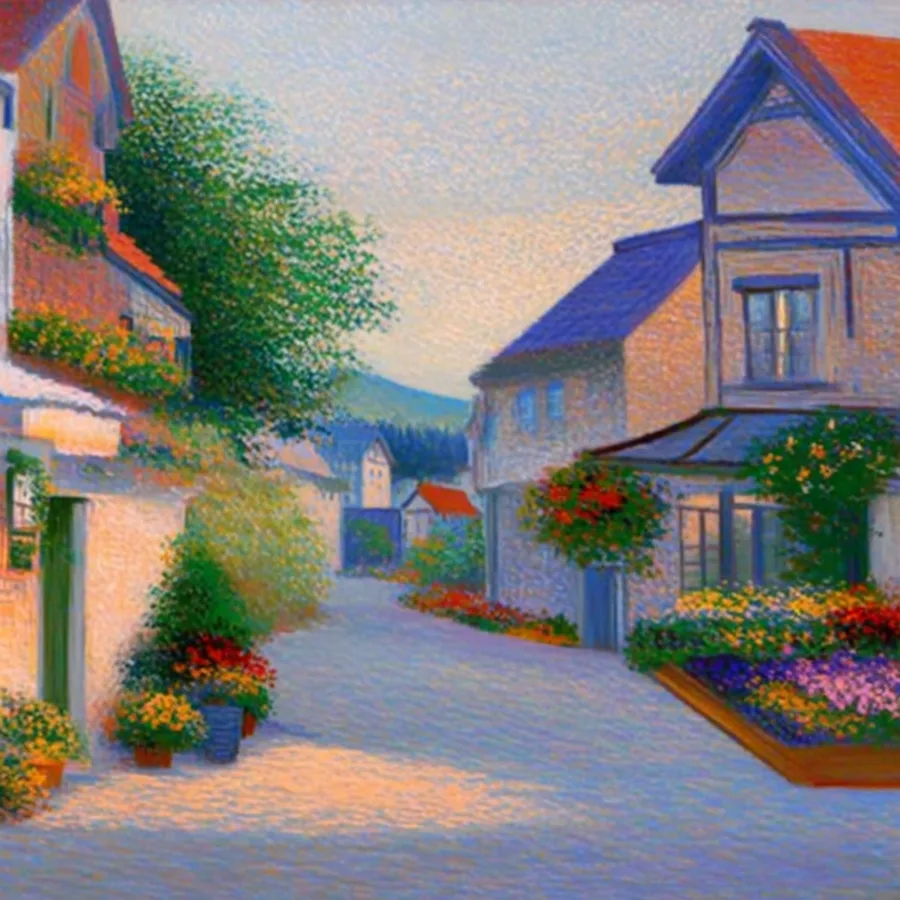 Write ✓
Export the session as a .kmod, bundle it with KiLoRA Pack, and load it anywhere with KiLoRA Load Mod.
Same prompt (Monet and Van Gogh named in it), same seed. Plain stack = ComfyUI's LoRA loader, no KiLoRA. A .kmod stores both LoRAs at 0.7 and is loaded at 1.0.
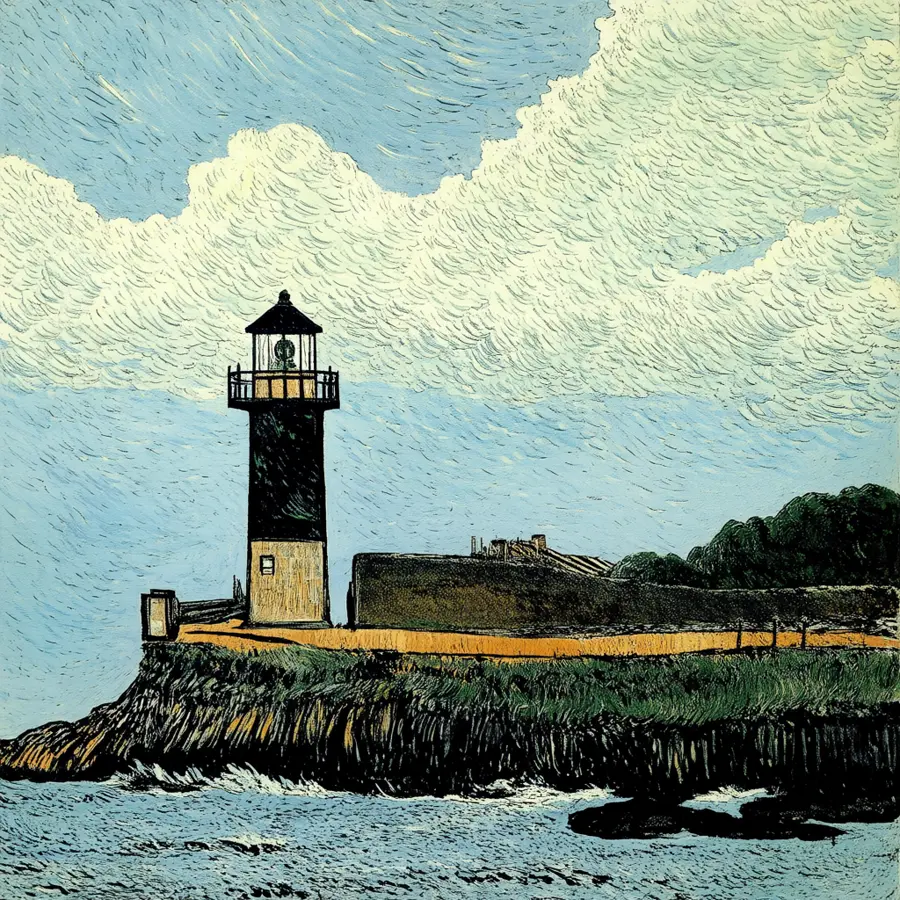
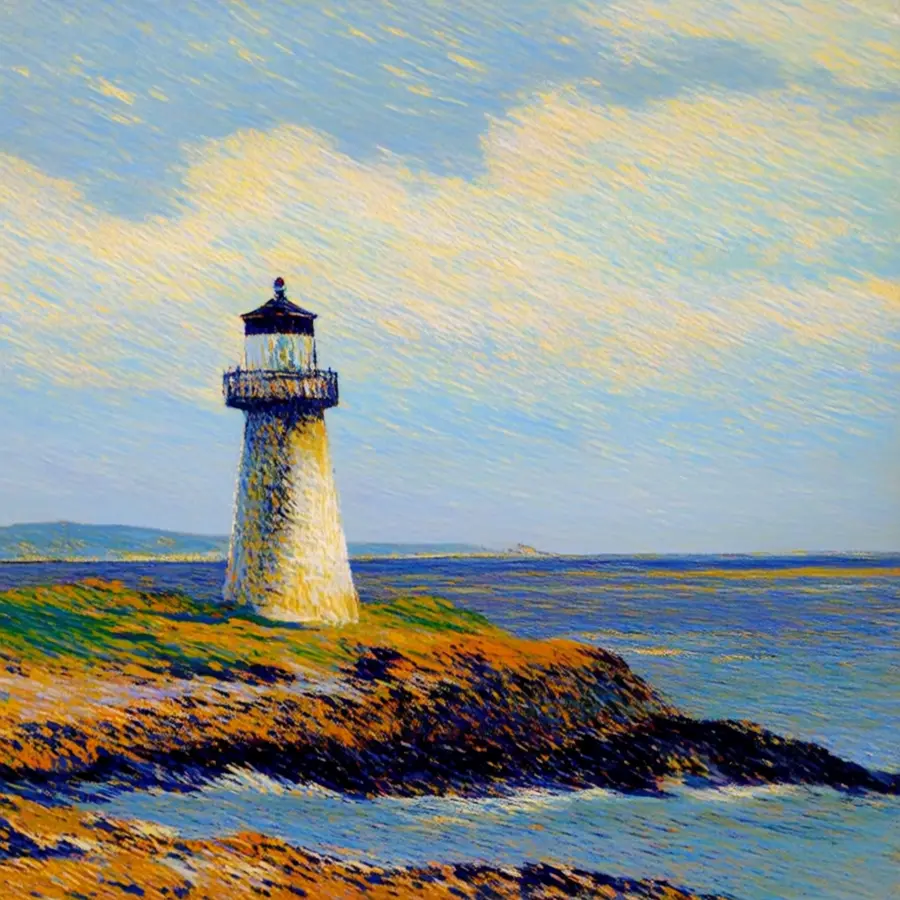
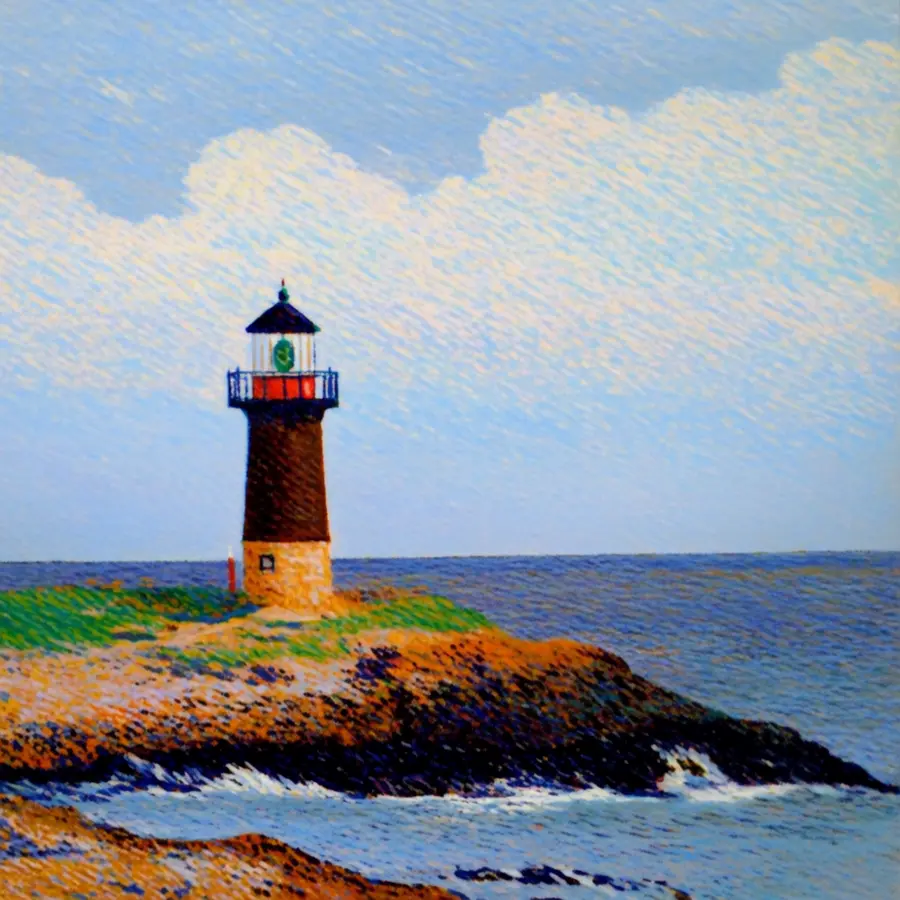
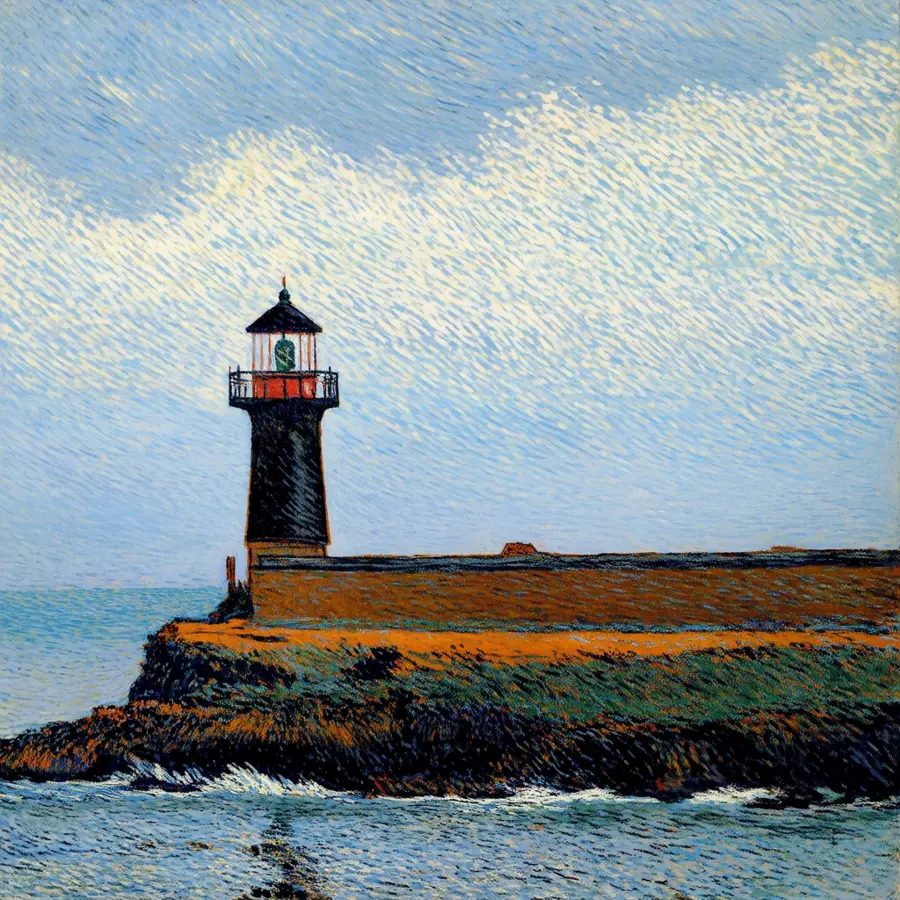
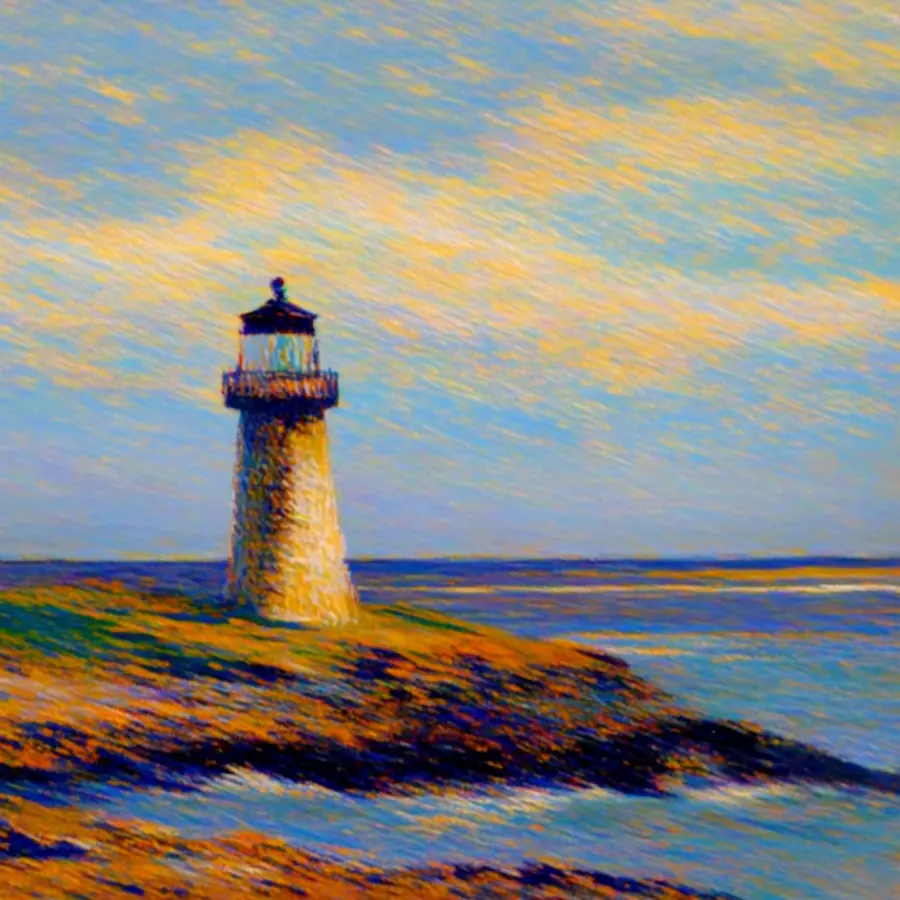
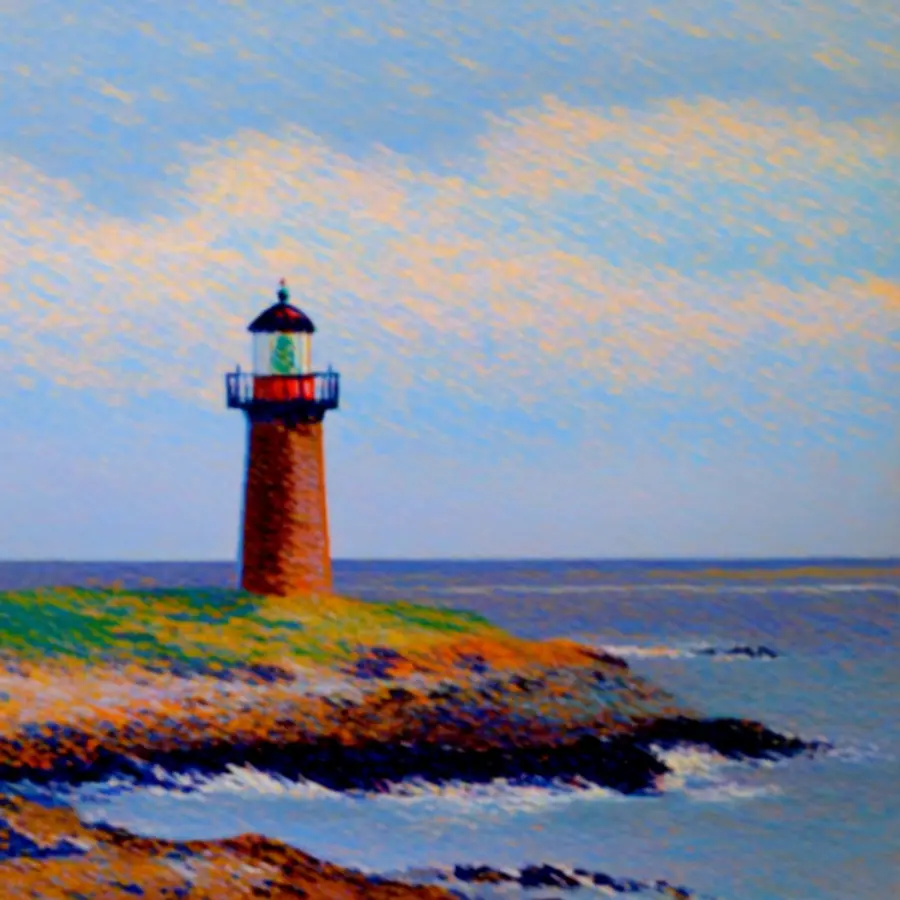
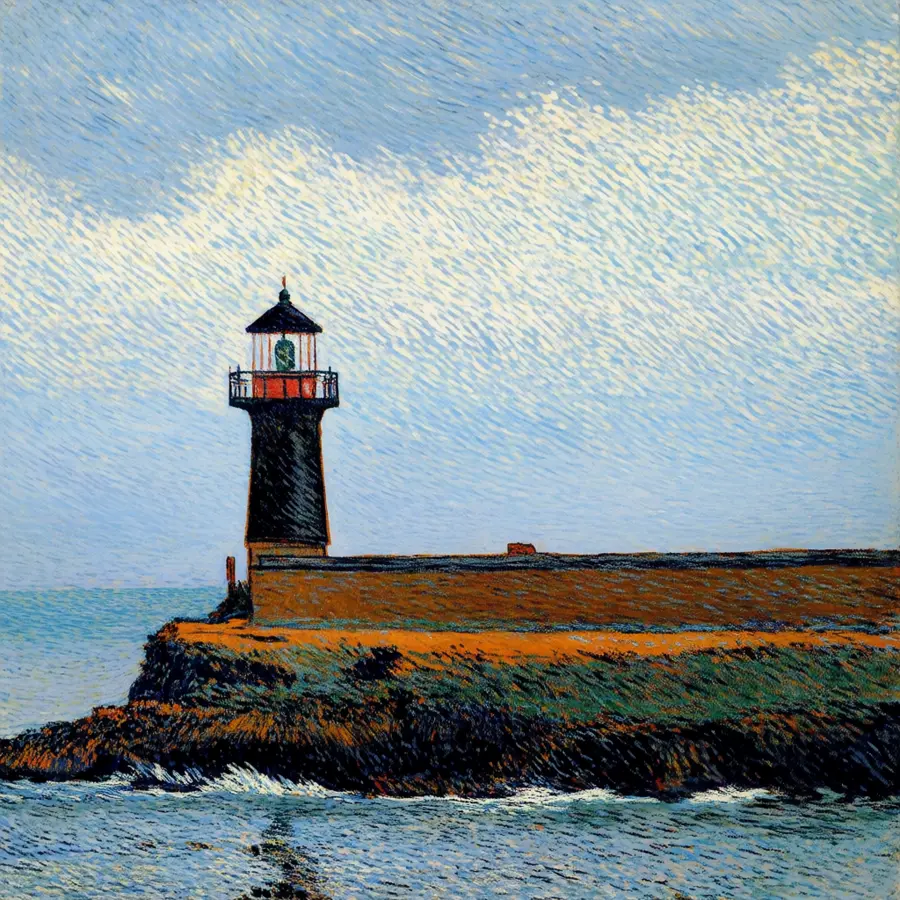
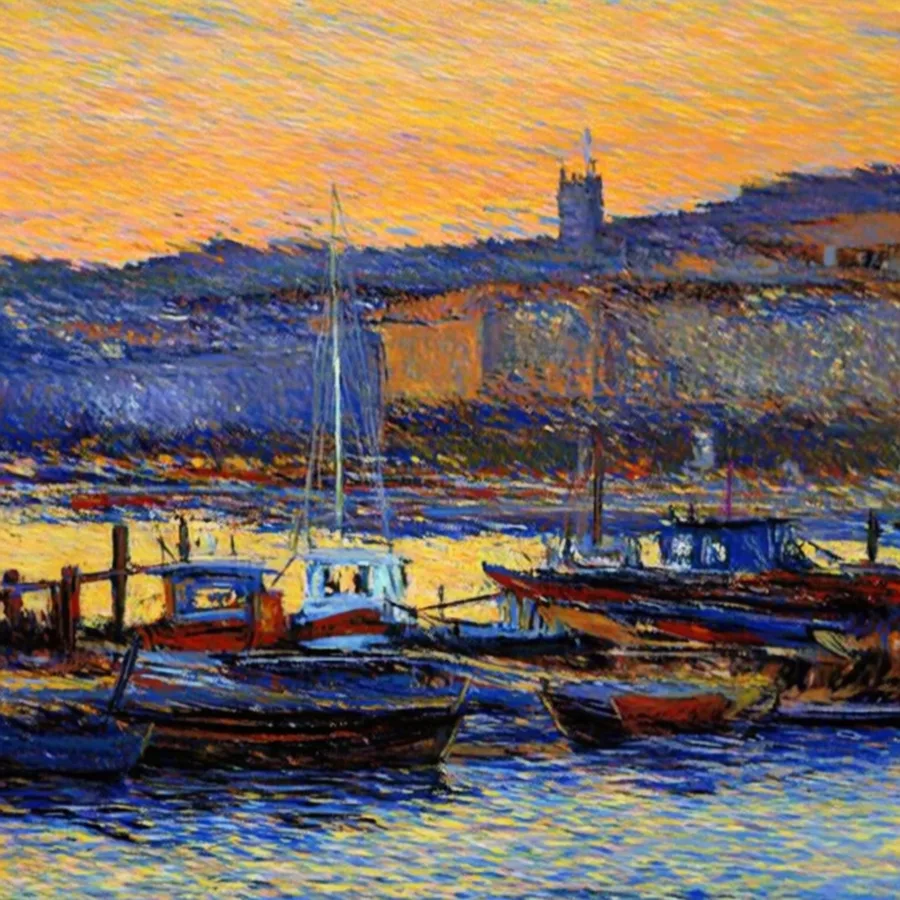
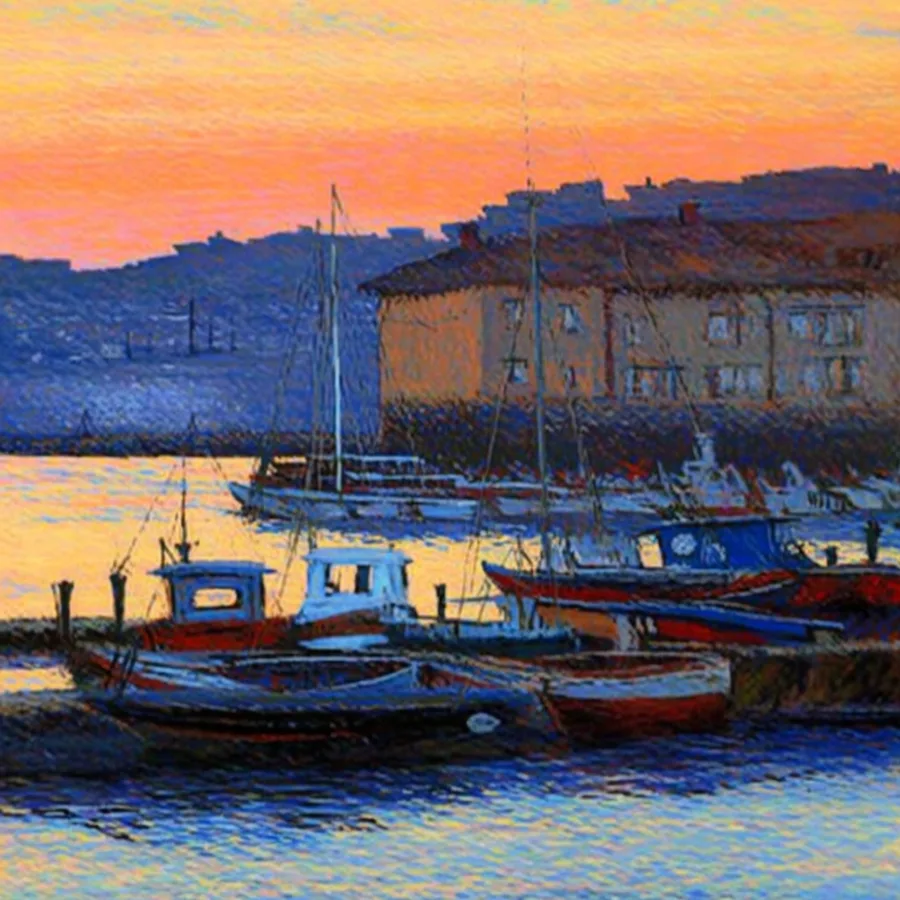
KiLoRA can run your LoRAs through several passes. Monet and Van Gogh at 0.7, same seed, same harbor: the layout holds while the painting deepens. Times are per image, 1024 px, 20 steps.
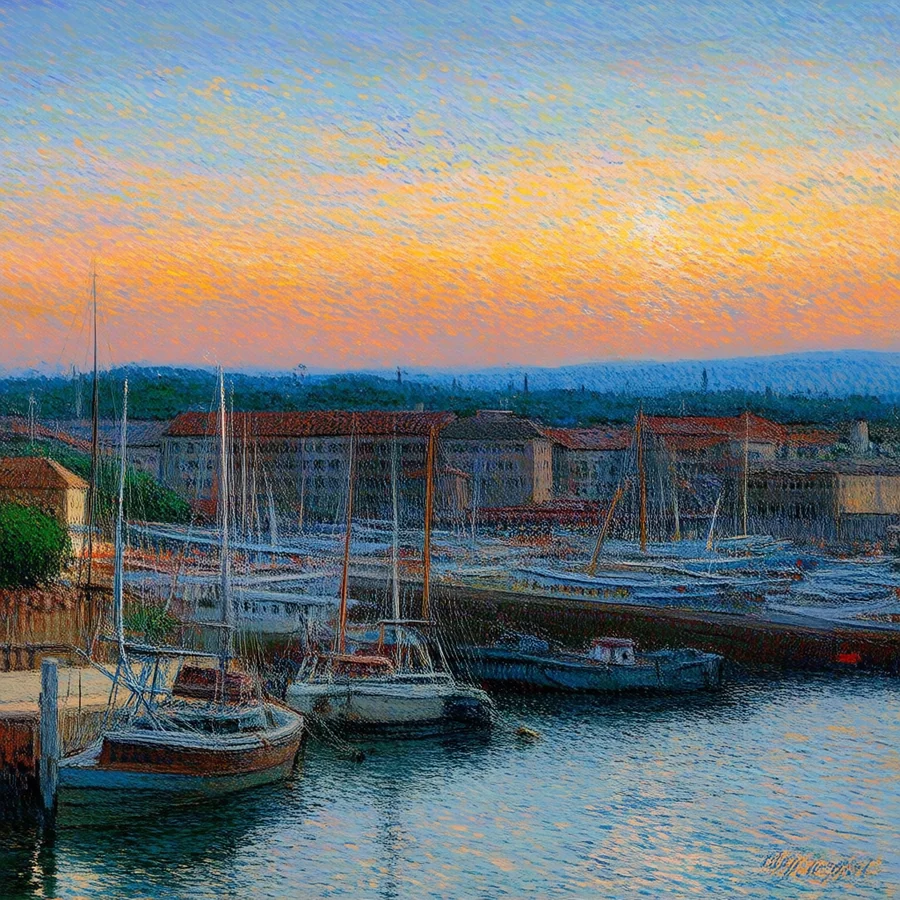 22 s
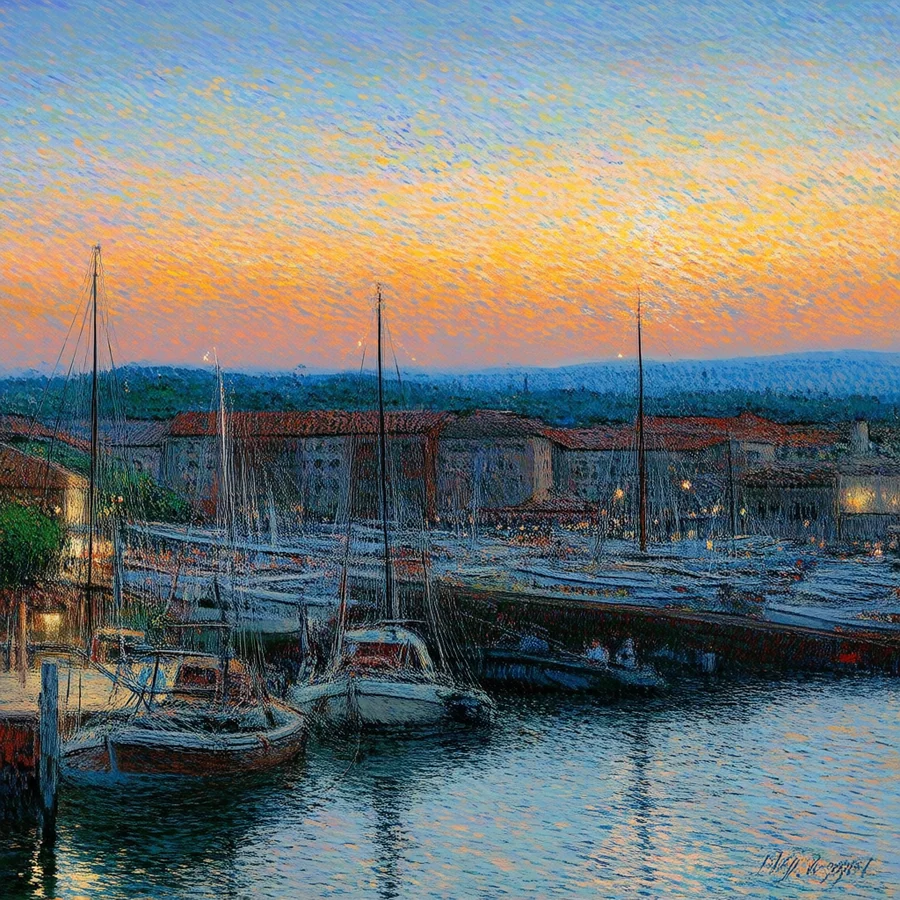 30 s
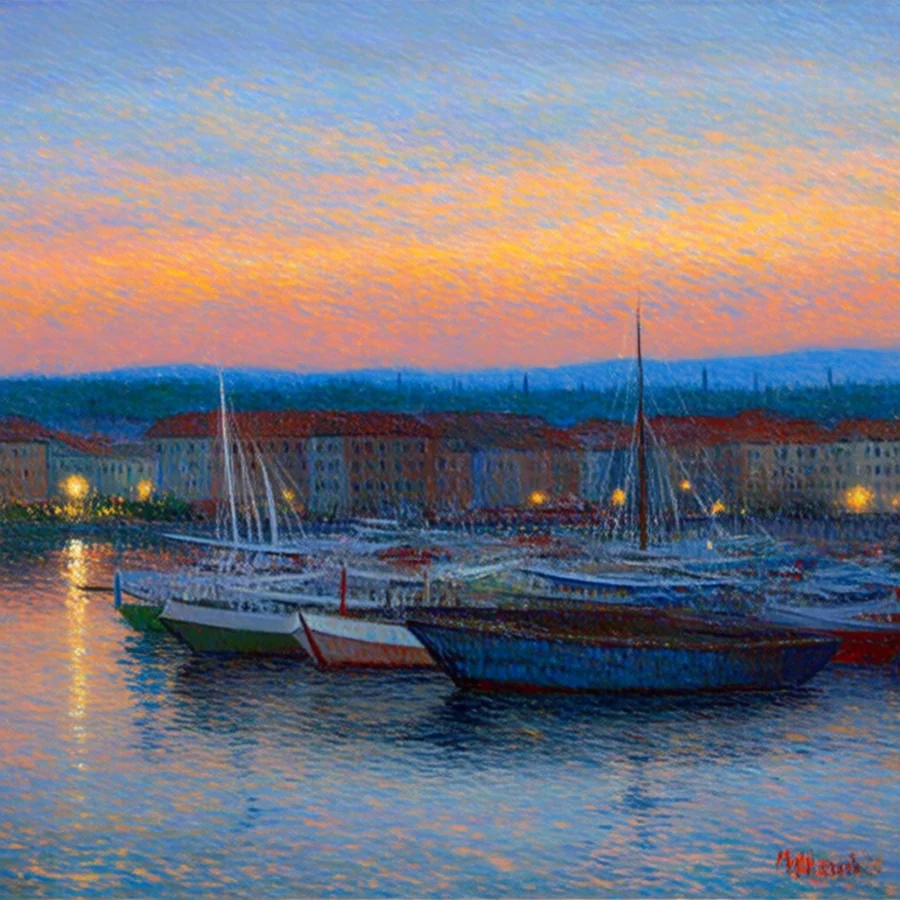 46 s
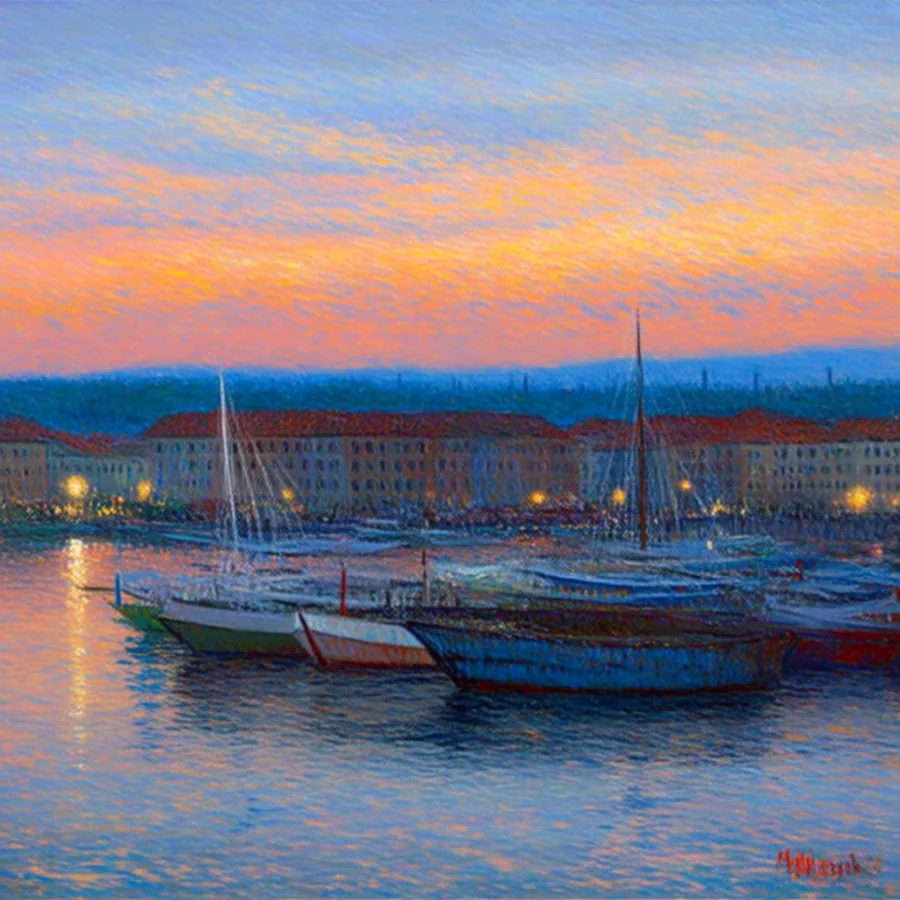 62 s
With KiLoRA Depth Map, a mask gives the subject depth 5 and the background depth 1.

Clone into ComfyUI/custom_nodes/:
git clone https://github.com/harnessix/kilora ComfyUI/custom_nodes/kiloraInstall the requirements and restart ComfyUI:
pip install -r ComfyUI/custom_nodes/kilora/requirements.txtPlain LoRA files stay in ComfyUI/models/loras/. Mods (.kmod.safetensors) go into ComfyUI/models/kilora/.
Use KiLoRA LoRA Loader in place of the LoRA loader, and generate as usual.